Talk to a Counsellor
IPM/BBA:
Talk to a Counsellor
IPM/BBA:  Support
IPMAT Indore Admit Card 2027: Dates, Link and Steps
Last Updated on 22 Aug 2026

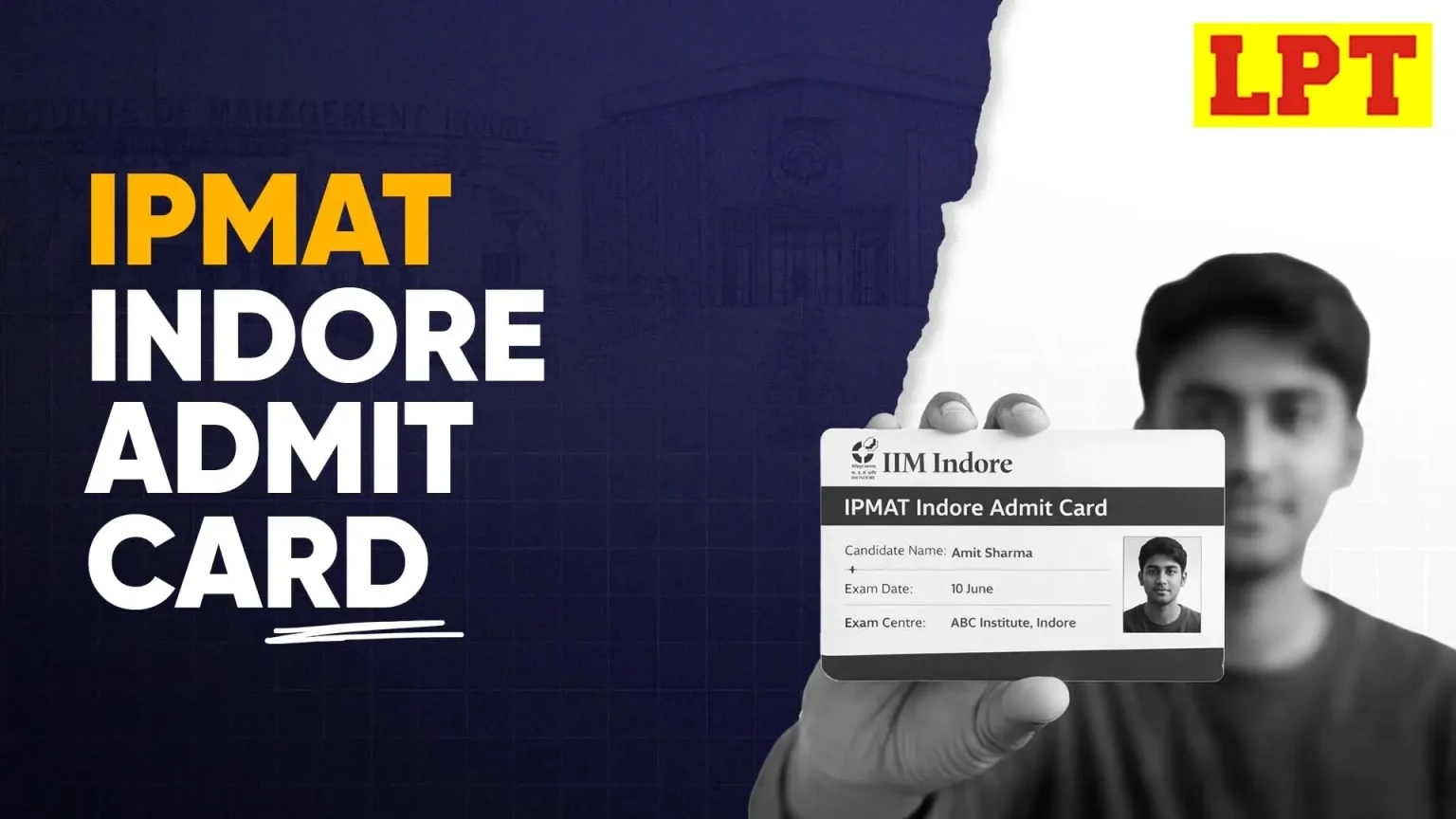
The IPMAT Indore admit card 2027 will be released in the third week of April 2027. Once released, candidates have to download it from the official website of the Indian Institute of Management Indore using their login credentials.
This document is mandatory for entry, so make sure you download it early and check all details carefully. If you notice any errors, report them immediately. Along with your IPMAT Indore hall ticket, carry a valid photo ID and keep multiple printouts ready to avoid any last-minute issues.
Table Of Contents
- CLAT PG: All About CLAT Postgraduate Exam for LLM
IPMAT Indore Admit Card 2027: Key Details
These are the most important details about admit card of IPMAT Indore exam 2027:
| Particulars | Details |
|---|---|
| Exam Name | IPMAT Indore 2027 |
| Conducting Body | Indian Institute of Management Indore |
| Admit Card Release Date | Third week of April 2027 |
| Mode of Release | Online (Download from official website) |
| Official Website | Click Here |
| Login Credentials | Application Number + Password / DOB |
| Exam Date | First week of May 2027 |
| Exam Mode | Computer-Based Test (CBT) |
| Mandatory Document | Printed Admit Card + Valid Photo ID |
| Details Mentioned | Name, Roll Number, Exam Center, Date & Time, Instructions |
| Availability | Only for successfully registered candidates |
Upcoming Exam:
IPMAT Indore Admit Card Release Date 2027
The IPMAT Indore admit card release date 2027 is provided in the table below:
| Event | Date |
|---|---|
| Application Form Start Date | First Week of February 2027 |
| Admit Card Release | Third Week of April 2027 |
| IPMAT Indore Exam Date | First Week of May 2027 |
How to Download IPMAT Indore Admit Card 2027?
Follow these steps to download IPMAT Indore 2027 admit card:
Step 1: Visit the Official Website
Go to the official website of Indian Institute of Management Indore. Make sure you are on the correct website to avoid fake links or incorrect portals.
Step 2: Find the Admit Card Link
On the homepage, look for the “IPMAT Indore Admit Card 2027” link. It is usually highlighted under announcements or the admissions section for easy access.
Step 3: Enter Your Login Credentials
Enter your application number and password or date of birth carefully. Double-check your details before submitting to avoid login errors or unnecessary delays during download.
Step 4: Download the Admit Card PDF
Once logged in, your admit card will appear on the screen. Download the PDF file and save it on your device for easy access whenever required. Your IPMAT Indore admit card will look like the sample given below.

Step 5: Print Multiple Copies
Take at least 2–3 printouts of your admit card. Keep one as backup and ensure the print is clear, especially your photo, signature, and exam details.
Check the Detailed IPMAT Indore Exam Pattern
Direct Link to Download IPMAT Indore Admit Card 2027
Click the button below to download your admit card instantly. The link will be activated once the admit card is officially released.
Download Admit CardIPMAT Indore 2027 Exam Shift Time
The IPMAT Indore 2027 exam will be conducted in a single shift, so you need to plan your day accordingly. Reporting early is important to complete verification smoothly and avoid last-minute stress before entering the exam hall.
| Particular | Details |
|---|---|
| Exam Date | First Week of May 2027 |
| Exam Timing | 2:00 PM – 4:00 PM |
IPMAT Indore Exam Pattern & Marking Scheme
IPMAT Indore tests both your quantitative aptitude and verbal ability through a mix of MCQs and short-answer questions.
| Section | Question Type | No. of Questions | Time Limit |
|---|---|---|---|
| Quantitative Ability (MCQ) | Multiple Choice | 30 | 40 Minutes |
| Quantitative Ability (SA) | Short Answer | 15 | 40 Minutes |
| Verbal Ability | Multiple Choice | 45 | 40 Minutes |
| Total | — | 90 Questions | 120 Minutes |
Marking Scheme
Explore important resources for IPMAT exam:
| IPMAT Indore v/s Rohtak | IPMAT Registration |
| IPMAT Syllabus | IPMAT Cut Off |
- +4 marks for each correct answer
- -1 mark for each incorrect MCQ
- No negative marking for Short Answer questions
Details Mentioned on IPMAT Indore Admit Card
Once downloaded, you will see these details on your admit card for IPMAT Indore exam:
| Detail | Description |
|---|---|
| Candidate Name | Your full name as per application form |
| Roll Number | Unique exam identification number |
| Application Number | Registration number used during form filling |
| Exam Date | First Week of May 2027 (Expected) |
| Exam Time | Reporting time and exam slot (2:00 - 4:00 PM) |
| Exam Center | Complete address of your allotted centre |
| Photograph | Your uploaded passport-size photo |
| Signature | Your digital signature |
| Category | General/OBC/SC/ST/PwD (as filled) |
| Instructions | Important exam-day guidelines to follow |
You must check all these details carefully. If anything is incorrect, report it immediately to avoid issues on exam day.
Documents Required Along with IPMAT Indore Admit Card
Along with the IPMAT Indore hall ticket, you will need these documents on the exam day:
| Document | Requirement |
|---|---|
| Printed Admit Card (2 copies) | Mandatory |
| Valid Photo ID (Aadhaar/PAN/Passport) | Mandatory (Original + Photocopy) |
| Passport Size Photograph | Same as uploaded in form |
| Self-attested ID Copy | Required on admit card second page |
Start with free mocks by LPT:
| IPMAT Rohtak Mock Test | IPMAT Logical Reasoning Mock Test |
| IPMAT VARC Mock Test | Free IPMAT Mock Test PDF |
IPMAT Indore Exam Day Guidelines 2027
You must follow these instructions strictly to avoid any last-minute problems on exam day:
Carry All Required Documents
- Bring at least two printed copies of your admit card (both pages on A4 sheet)
- Carry original photo ID + photocopy
- Paste the same photograph used during application
- Self-attest the second page of your admit card
Reporting Time and Entry Rules
- Reach your exam center before 12 PM
- Entry may not be allowed after 1:30 PM
- Visit the exam center in advance if you are unfamiliar with the location
Read more about IPMAT Rohtak exam analysis
Admit Card Handling Instructions
- Ensure your admit card is clear and not damaged
- Photo and signature must be visible and properly printed
- Do not fold, tear, or smudge the document
Allowed and Restricted Items
Allowed:
- Admit card
- Photo ID
- Transparent water bottle
- Hand sanitizer
Not Allowed:
- Mobile phones, smartwatches, calculators
- Jewelry or metal items
- Personal stationery (pen/paper not allowed)
Inside the Exam Hall
- You will be provided with a rough sheet and pen for calculations
- Return all materials to the invigilator after the exam
- Follow all instructions given by exam authorities
Strict Rules to Follow
- Do not indulge in any unfair means or cheating
- Any misconduct can lead to disqualification from the exam
Common Issues While Downloading IPMAT Indore Admit Card
Downloading your admit card is simple, but small technical or login issues can create confusion. Below are the most common problems and how you can fix them quickly:
1. Forgot Login Credentials
Problem: You are unable to log in due to forgotten password or application number.
Solution:
- Use the “Forgot Password” option on the login page
- Check your registered email/SMS for application details
- Reset credentials and log in again carefully
2. Website Not Loading or Slow
Problem: Official website is slow or not opening due to high traffic.
Solution:
- Try accessing during non-peak hours (early morning or late night)
- Use a different browser or device
- Ensure stable internet connection
3. Admit Card Not Showing After Login
Problem: You logged in successfully, but the admit card is not visible.
Solution:
- Ensure your application form was successfully submitted
- Check for any official notifications regarding delay
- Log out and try again after some time
4. Incorrect Details on Screen
Problem: Details shown during login or preview are incorrect.
Solution:
- Cross-check your application form
- Avoid downloading until confirmed
- Contact support immediately
5. Downloaded File Not Opening
Problem: Admit card PDF is not opening or appears corrupted.
Solution:
- Re-download the file
- Use a proper PDF reader
- Try downloading on another device
6. Poor Print Quality
Problem: Printed admit card is unclear or blurred.
Solution:
- Use a high-quality printer
- Ensure photo and signature are clearly visible
- Print multiple copies for safety
Explore the List of Top IIMs in India
What to Do If There is an Error in IPMAT Indore Admit Card?
If you find any mistake in your admit card, do not ignore it. Even small errors can create issues during verification at the exam center.
1. Identify the Error Clearly
Check if the mistake is in:
- Name spelling
- Photograph or signature
- Exam center details
- Category or personal information
2. Contact the Official Authority Immediately
Reach out to Indian Institute of Management Indore through:
| Particular | Details |
| Helpline number | 0731-2439-7950 731-2439-796 0731-2439-797 |
| Email address | ipmoffice@iimidr.ac.in |
3. Provide Supporting Details
While reporting the issue, keep ready:
- Application number
- Registered email ID
- Screenshot of the error
- Valid ID proof
4. Do Not Wait Till Last Day
Report errors as soon as possible after downloading the admit card. Delays can limit your chances of correction before the exam date.
5. Follow Official Instructions
After reporting, follow the instructions provided by the exam authority. They may reissue a corrected admit card or guide you on what to carry on exam day.
Check the full list of colleges accepting IPMAT Indore score.
IPMAT Indore Exam Centers 2027
Find the list of IPMAT exam centers for Indore exam:
| State | Cities / Towns |
|---|---|
| Gujarat | Ahmedabad |
| Uttar Pradesh | Lucknow, Meerut, Noida, Ghaziabad, Varanasi |
| Karnataka | Bengaluru |
| Maharashtra | Mumbai, Pune |
| Odisha | Bhubaneswar |
| Madhya Pradesh | Bhopal, Indore |
| Delhi | New Delhi |
| Chandigarh (UT) | Chandigarh |
| Tamil Nadu | Chennai |
| Bihar | Patna |
| Uttarakhand | Dehradun, Roorkee |
| Haryana | Faridabad, Gurugram |
| Chhattisgarh | Raipur |
| Jharkhand | Ranchi |
| Assam | Guwahati |
| West Bengal | Siliguri, Kolkata |
| Rajasthan | Jaipur, Udaipur |
| Kerala | Kozhikode, Thiruvananthapuram |
| Andhra Pradesh | Vishakhapatnam |
Practice with IPMAT PYQs:
| IPMAT Indore Previous Year Papers | IPMAT Rohtak Previous Year Papers |
What After Downloading IPMAT Indore Admit Card?
Once you download your admit card, your focus should shift from logistics to final preparation. Use this time wisely to avoid last-minute stress and maximize your performance.
- Verify all details on your admit card carefully
- Print at least 2–3 copies (clear and readable)
- Arrange required documents (ID proof, photograph, etc.)
- Check your exam center location on Google Maps
- Plan your travel and reporting time in advance
- Visit the exam center (if unfamiliar with the city)
- Revise important formulas, concepts, and vocabulary
- Attempt a few final IPMAT Indore mock tests for confidence
- Fix your exam-day strategy (section order, time allocation)
- Sleep well and maintain a calm routine before exam day
More helpful resources for the IPMAT Indore exam:
| IPMAT Indore | IPMAT Indore Answer Key |
| IPMAT Indore Seats | IPMAT Indore Selection Process |
| IPMAT Indore Registration | IPMAT Indore Marking Scheme |
| IPMAT Indore Syllabus | IPMAT Indore Cut Off |
FAQs On IPMAT Indore Admit Card 2027

Nidhi Priya
Nidhi Priya has over 6 years of experience in EdTech content and SEO. She specializes in content strategy, organic growth, and mentoring editorial teams, with previous experience at iQuanta, CollegeDekho, and Careers360.
Also Read : Online IPMAT Coaching , IPMAT Mock Tests , IPMAT Study Material
IPMAT Indore Trending Blogs
- IPMAT Indore Exam 2027, Registration, Eligibility & Syllabus
- IPMAT Indore Exam Date 2027: Full Schedule & Result Date
- IPMAT Indore Eligibility Criteria 2027: Age Limit & Marks
- IPMAT Indore Sample Papers - Subject-wise Free PDF Links
- IPMAT Indore Result 2027: Dates, Direct Link & Cutoff
- IPMAT Indore Exam Pattern 2027, Section-Wise Paper Pattern
Other Related Blogs